The dreaded Salesforce permissions quagmire
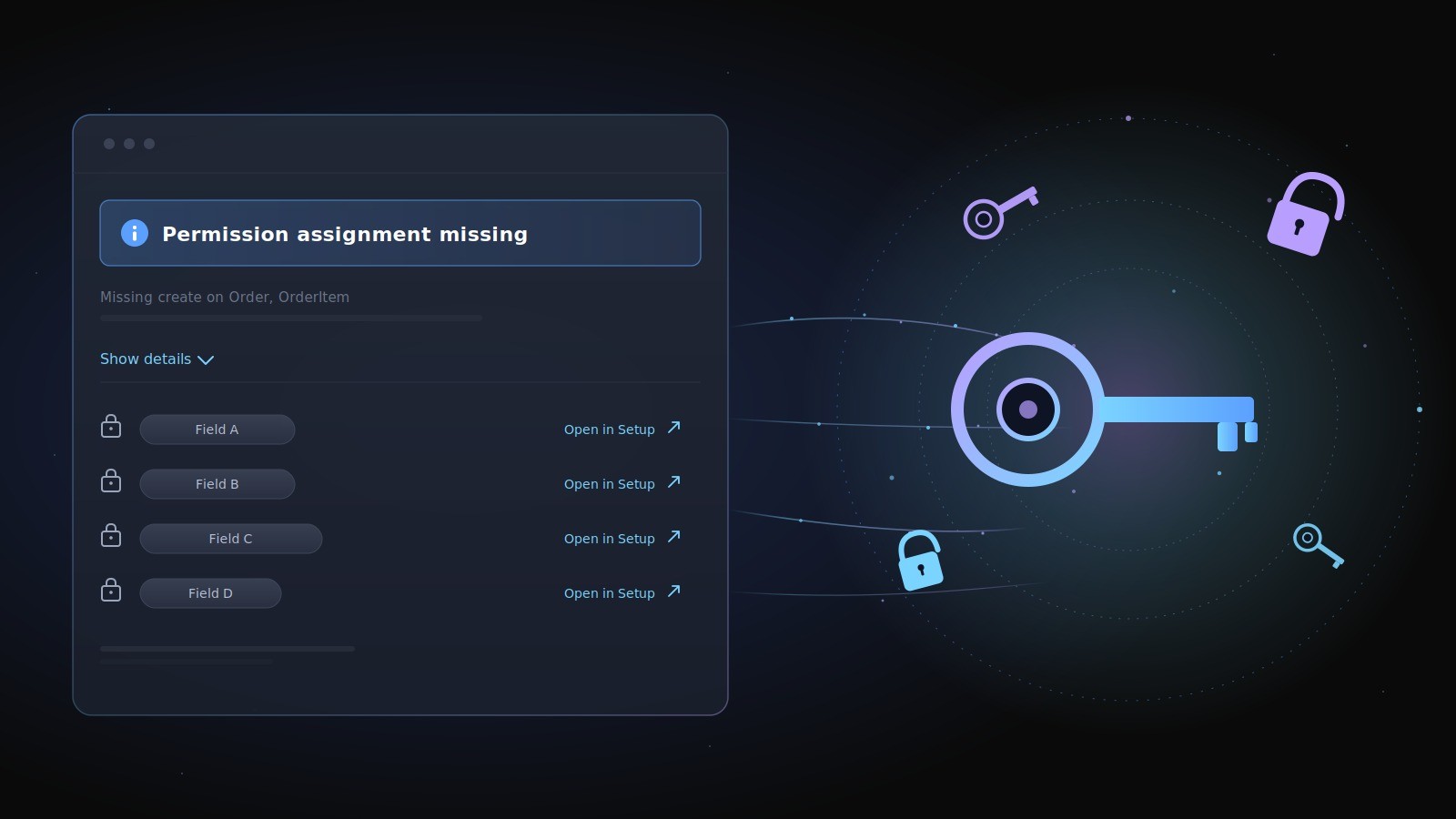
Every Salesforce admin knows the moment: a user clicks a button, the dialog flashes red, and the message reads something like "Operation failed due to fields being inaccessible." No field name. No object name. No path forward. The admin opens a ticket, the developer reproduces it as themselves, sees no error, and the loop drags on for days.
The underlying problem is almost always boring — one missing field-level security grant on a profile — but Salesforce surfaces it as a wall of opacity. We wanted to provide a solution to this problem that reduces the burden on Salesforce admins.
AppGrid 3.0 introduces a unified permission-handling layer that turns runtime FLS errors into actionable feedback. Every feature dialog (Create Order, Submit for Approval, Convert Lead, etc.) now declares the exact CRUD and field-level rights it needs as a manifest. When a user opens the dialog, AppGrid evaluates the manifest against the running user's permissions before the form even renders. If anything is missing, the dialog shows a "Permission assignment missing" banner with a generated summary ("Missing create on Order, OrderItem; missing read on Account") and a "Show details" expander listing every gap by SObject and field. Each entry includes a deep-link straight to the Object Manager page in Setup where an admin can grant the right — no hunting through profile lists. Fields the user can read but is FLS-restricted on are gracefully omitted from the dialog data instead of crashing the SOQL with "No such column."
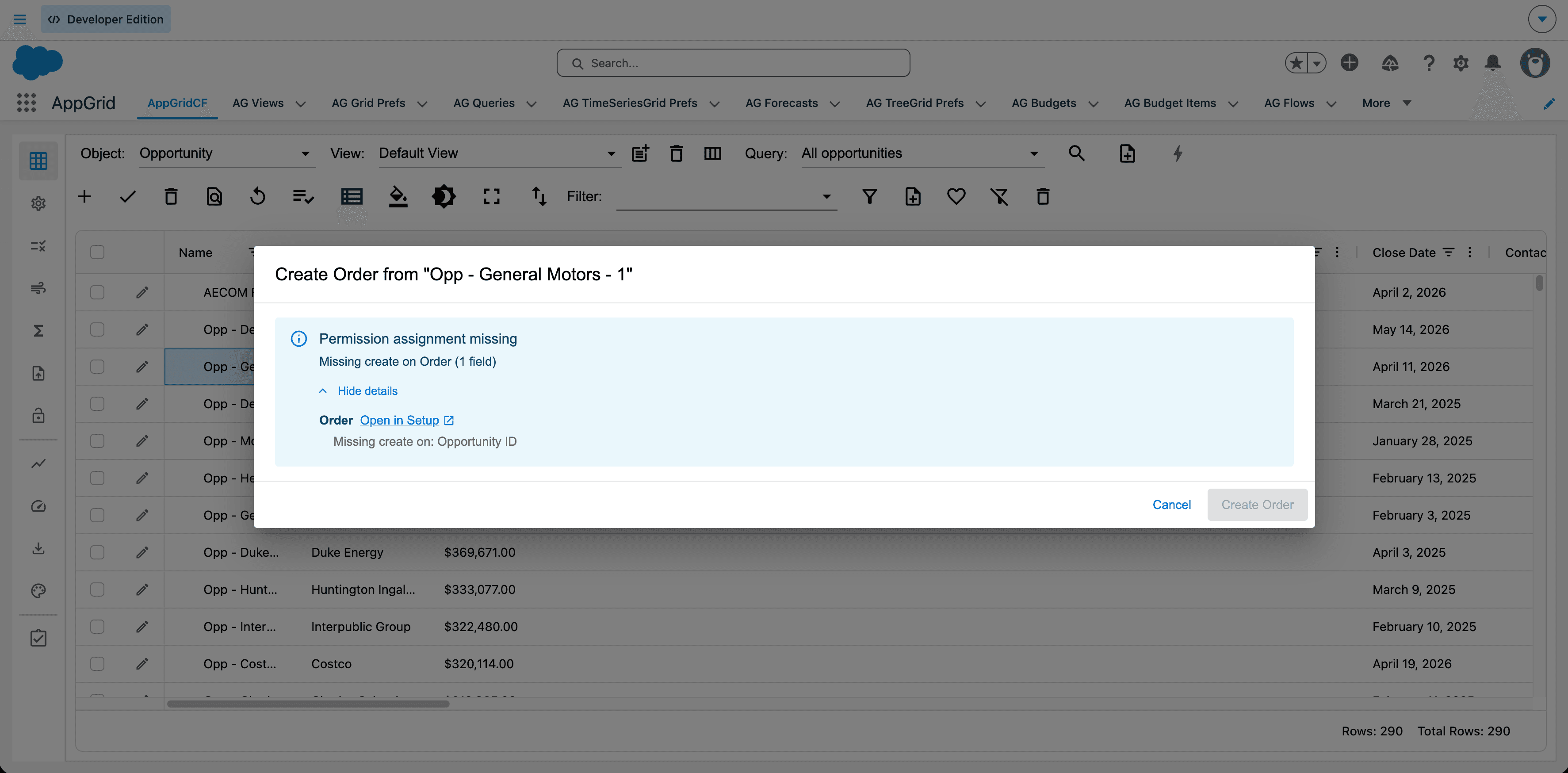
The result is a feedback loop measured in seconds rather than days. An admin assigning AppGrid to a new persona opens the feature once, sees exactly which permissions are missing, clicks through to Setup, grants them, and the banner disappears. Customers no longer need a developer to translate platform errors into actionable steps, and our (and their) support load drops because the app diagnoses itself. It's a small architectural decision with a disproportionate UX payoff.
AppGrid Audit view
The next milestone takes the same data and lifts it out of the per-dialog moment into a pre-flight diagnostics panel in the AppGrid sidebar. Today, an admin only finds out a permission is missing when a user actually tries to open a feature. The diagnostics panel inverts that — it shows the running user's status across every AppGrid feature at a glance, with a green / yellow / red indicator per feature: green for fully accessible, yellow for degraded (some fields missing — the feature still works but parts of the form are read-only), red for blocked. Drill into any feature and the same structured drill-down from the dialog banner is there: object-level CRUD, field-level FLS, Setup deep-links. This means an admin onboarding a new persona doesn't have to walk through every menu hunting for problems. They see the whole map of access in one panel, before any user hits a wall.
The idea behind this was great, but limited to the feature processes that AppGrid supports. It occurred to us that we could bring even more power to this capability by performing a similar analysis based on the Salesforce data that AppGrid would access. The Audit view analyzes the views, queries, styles, etc. that the user will be accessing when using AppGrid and then compares that to the permissions assigned.
AppGrid permission set generator
The final piece — the one that closes the loop entirely — is the permission set generator. Once the diagnostics panel knows exactly which rights a user is missing across every feature, it can assemble that information into a deployable permission-set XML the admin can install with one click (or download and run through SF CLI / a sandbox refresh).
Today, building a "Sales Manager" or "Renewal Specialist" permission set means hand-authoring metadata or wading through pages of profile or permission set configuration. The generator automates the entire process of creating the permissions needed for a given user.
AppGrid stops being something an admin has to configure for permissions and becomes something that configures permissions for them.
This is one of coolest features we have ever built and Salesforce admins are going to love it!