Using the LWC api

AppGrid now provides an api that uses Lightning Message Service to allow other LWC components to send commands to AppGrid. We provide the AppGrid LMS Test LWC component and a sample Lightning page to demonstrate the use of this api. We will be adding more actions to the api over time.
This api opens up many possible use cases to create custom bespoke apps. For example, one could image to have a map component on your AppGrid page that would allow the user to select a location and have AppGrid display the corresponding records. Another use case could display a calendar component where we want AppGrid to display records that contain a specific date value from some SObject like Shipping.
Using the rich selection of AppGrid configuration features and grid permissions, we can tailor the AppGrid experience to suit the desired audience.
The LMS test page displays a section at the top of the page to select an api action and view the api response sent by AppGrid.
After selecting an action, the UI will display controls for inputing the parameters required for the api method. Click the Execute Action button and the api response will be displayed in the Response panel and the selected action performed on AppGrid.
In the Message panel, you can see the JSON that was sent to the api. This is the exact code your custom LWC component will need to send. You can review the implementation of the AppGrid LMS Test component for details on how this works.
Below the api section, you will see AppGrid displayed and the result of any api action executed.
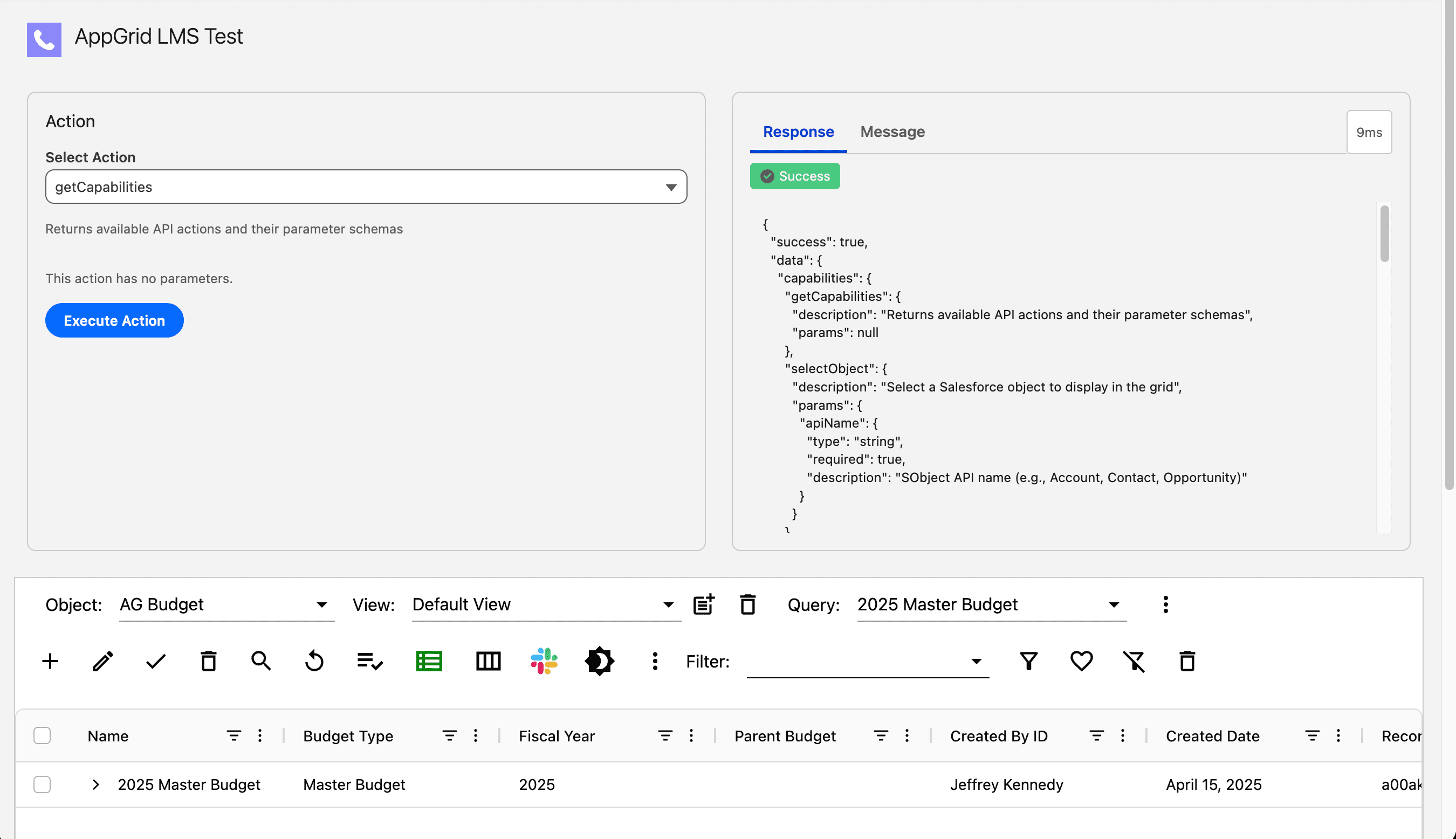
api - getCapabilities
The getCapabilities api returns a JSON response which provides all AppGrid methods supported by the api. The response includes the parameters required for each api method.
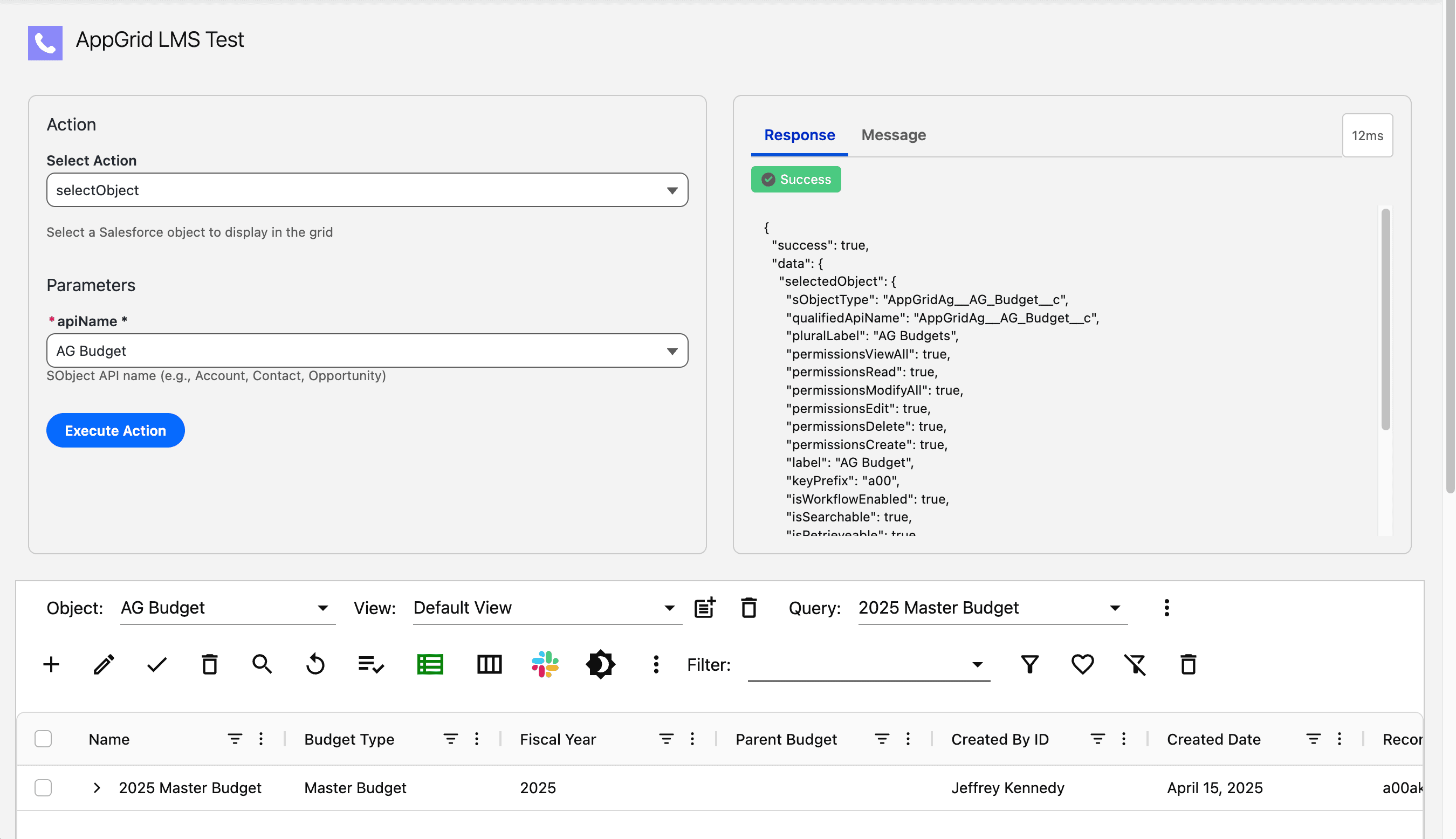
api - selectObject
This api method sets the selected object in AppGrid. Note, AppGrid will also load the last view and query executed for this object. If a different view or query is desired, you can use the api methods below.
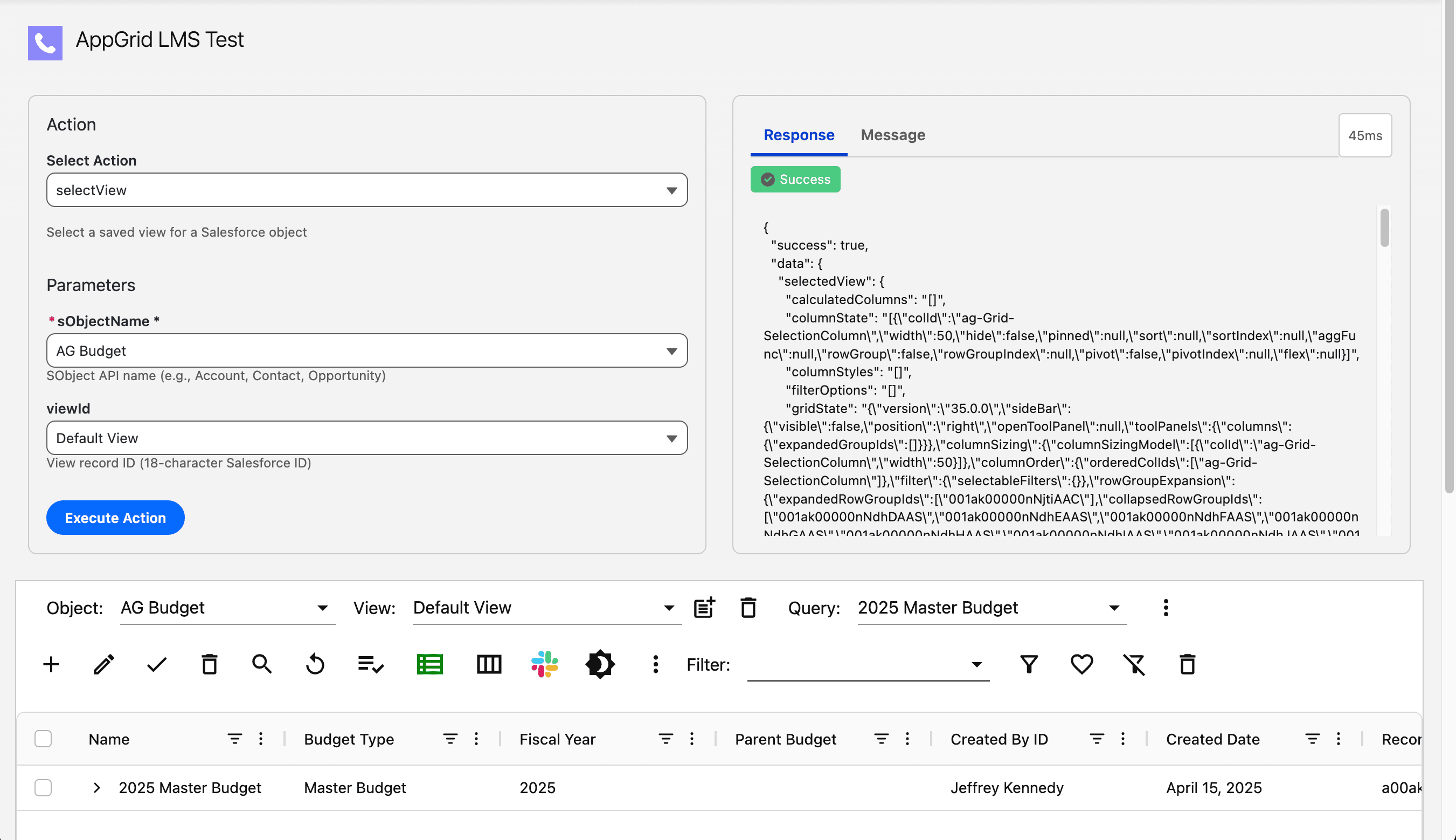
api - selectView
This api method sets and loads the selected view in AppGrid. The api handler will load the selected object into AppGrid if required before selecting the view.
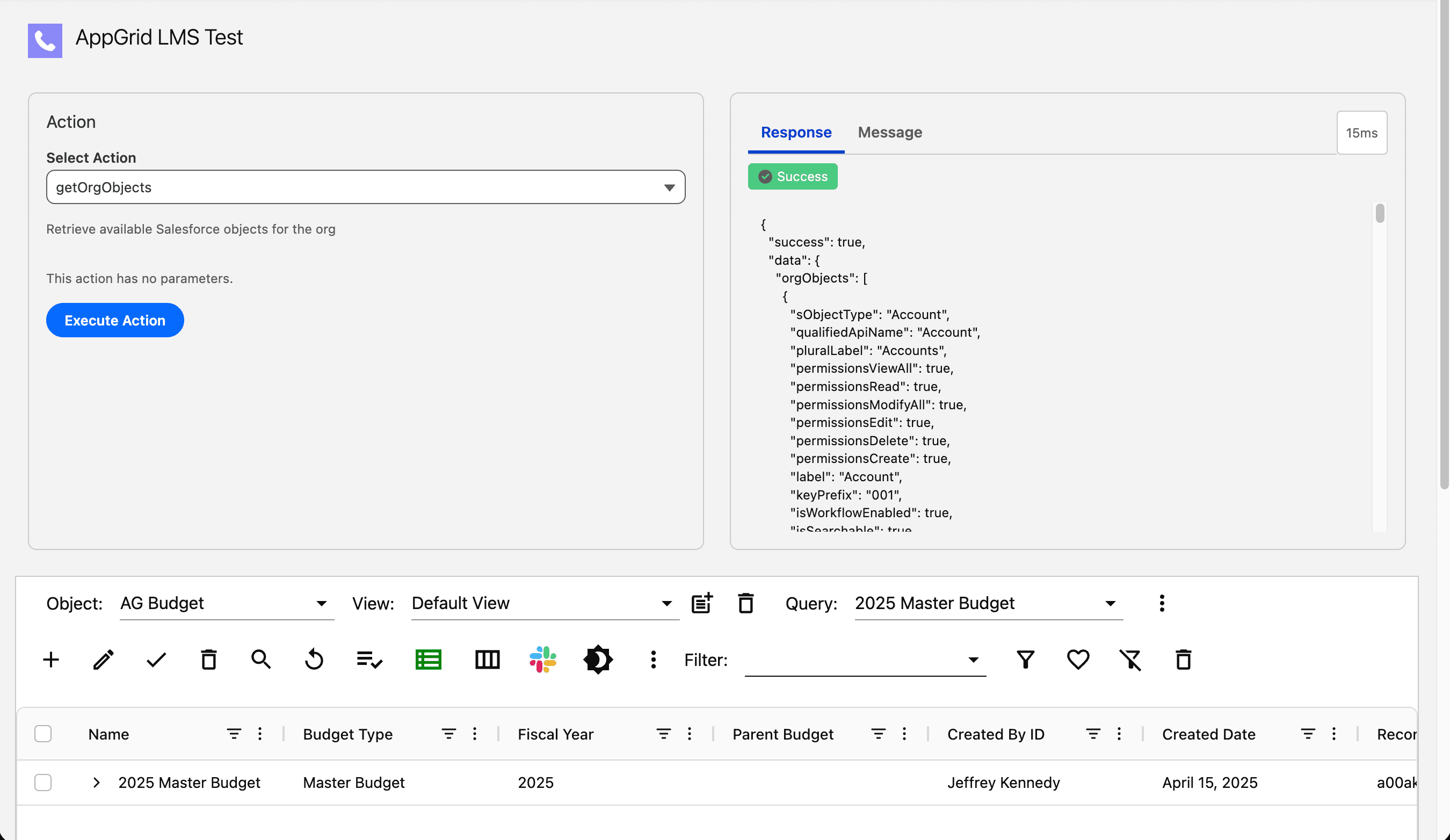
api - selectQuery
This api method sets and executes the selected query in AppGrid. The api handler will load the selected object into AppGrid if required before selecting the query.
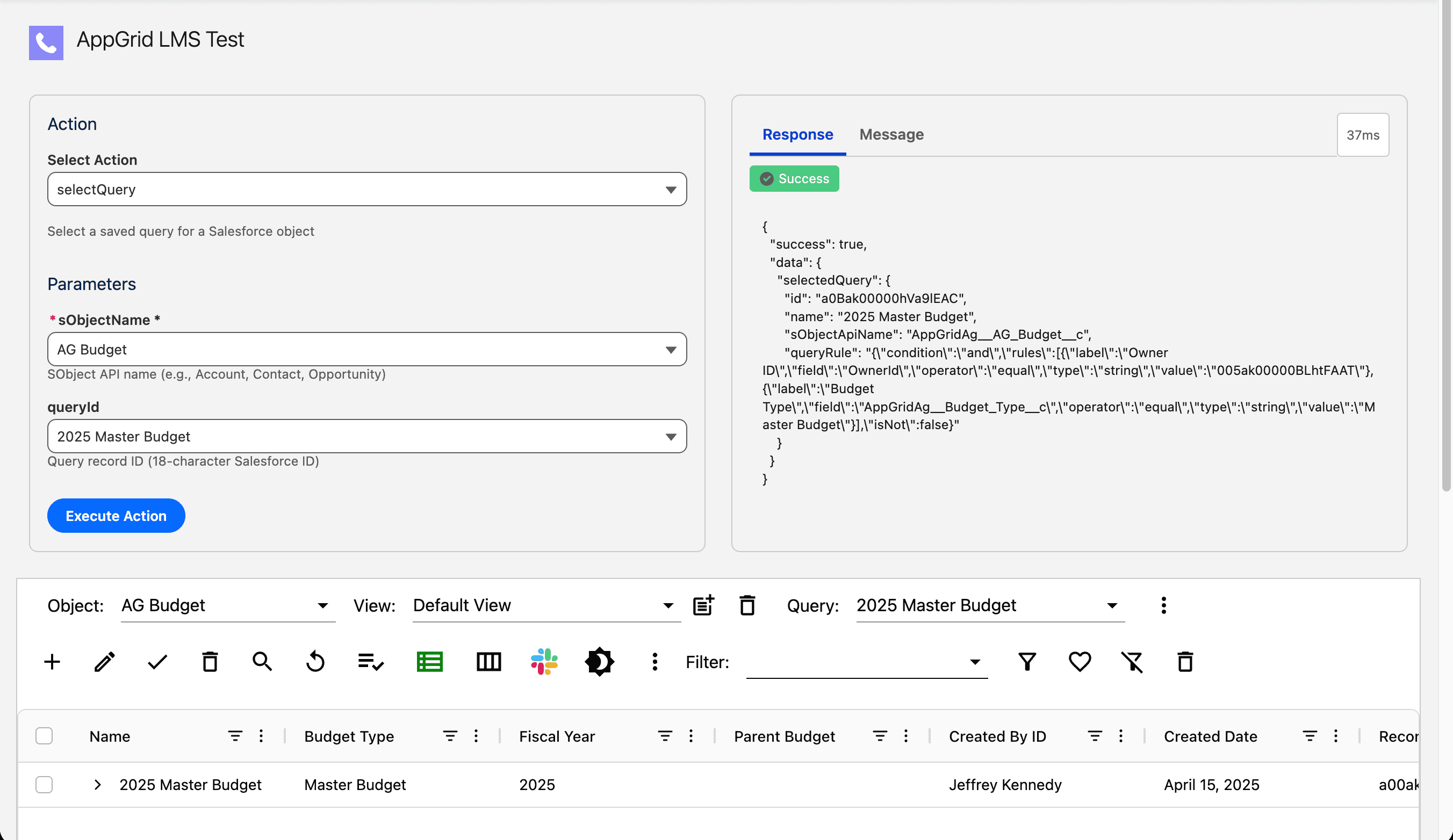
api - getViews
This api method retrieves the views for the selected object.
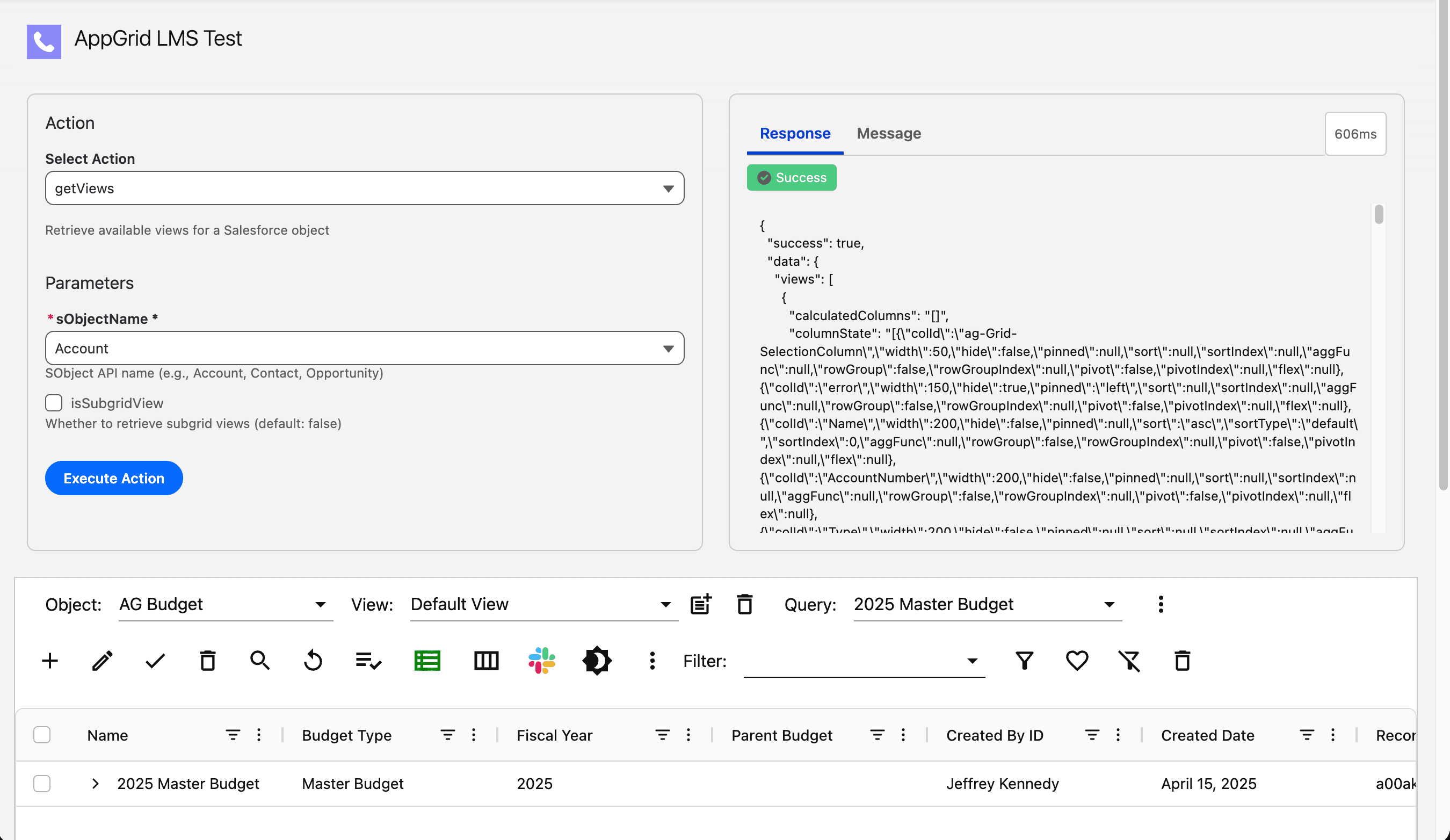
api - getQueries
This api method retrieves the queries for the selected object.
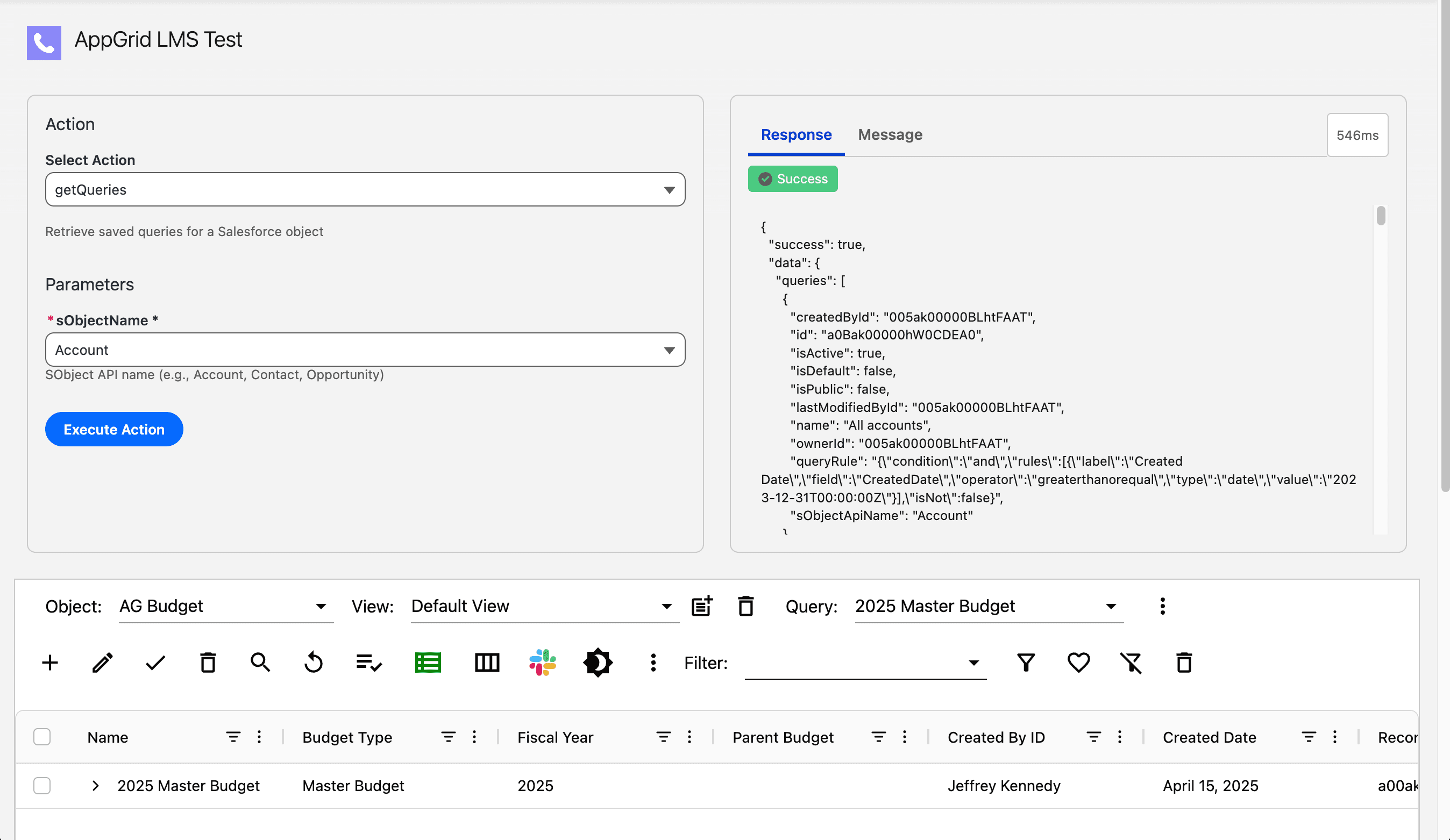
api - getOrgObjects
This api method retrieves the objects that the current user has access to.
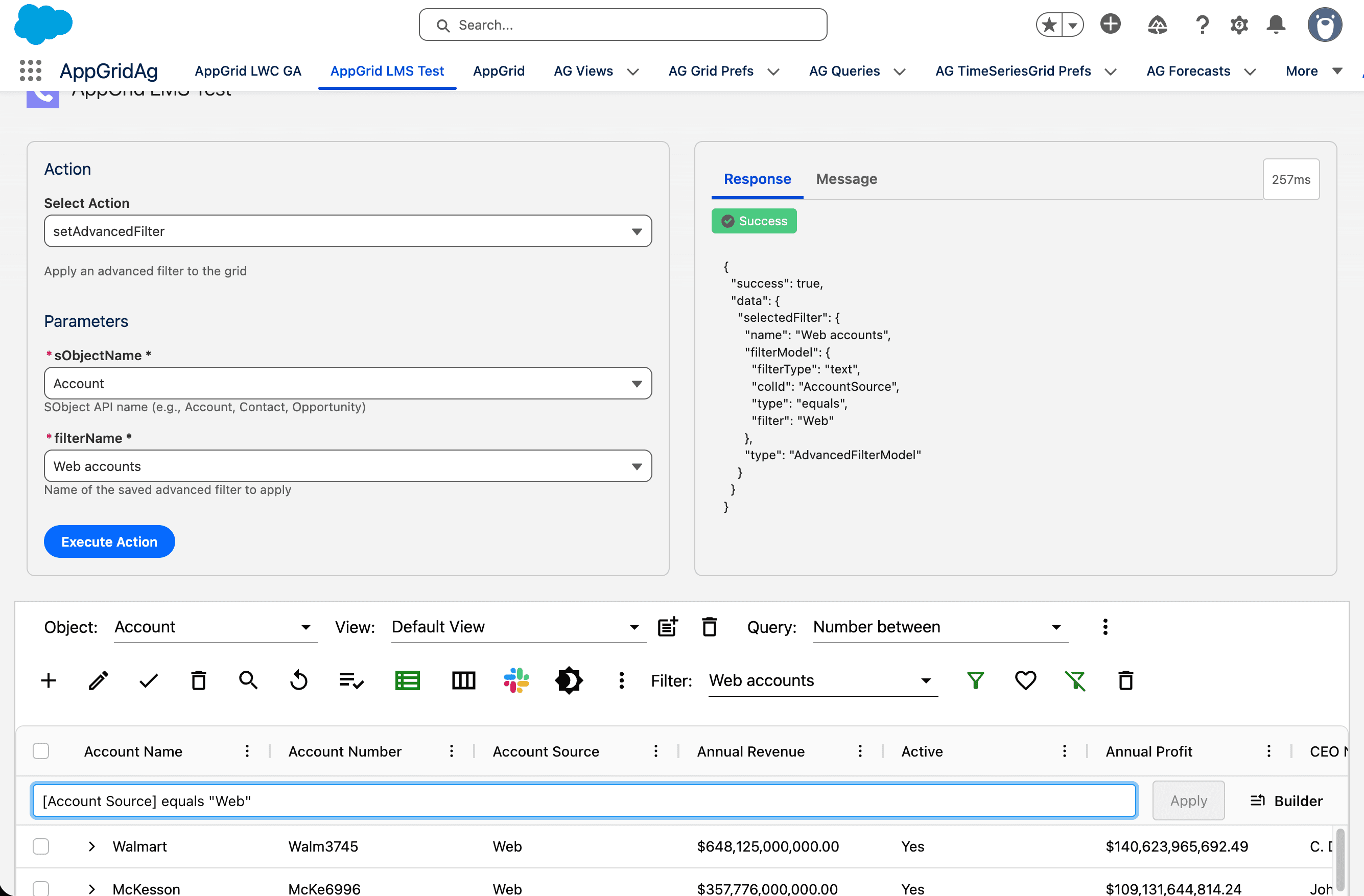
api - setAdvancedFilter
This api method applies an advanced filter to the grid. Select a SObject. The filters dropdown will display all advanced filters that are defined for the selected object. Pick a filter and click Execute Action. The selected filter will be applied to AppGrid. If the AppGrid selected object does not match the object name provided by the api, the api handler will switch the AppGrid selected object before applying the advanced filter.
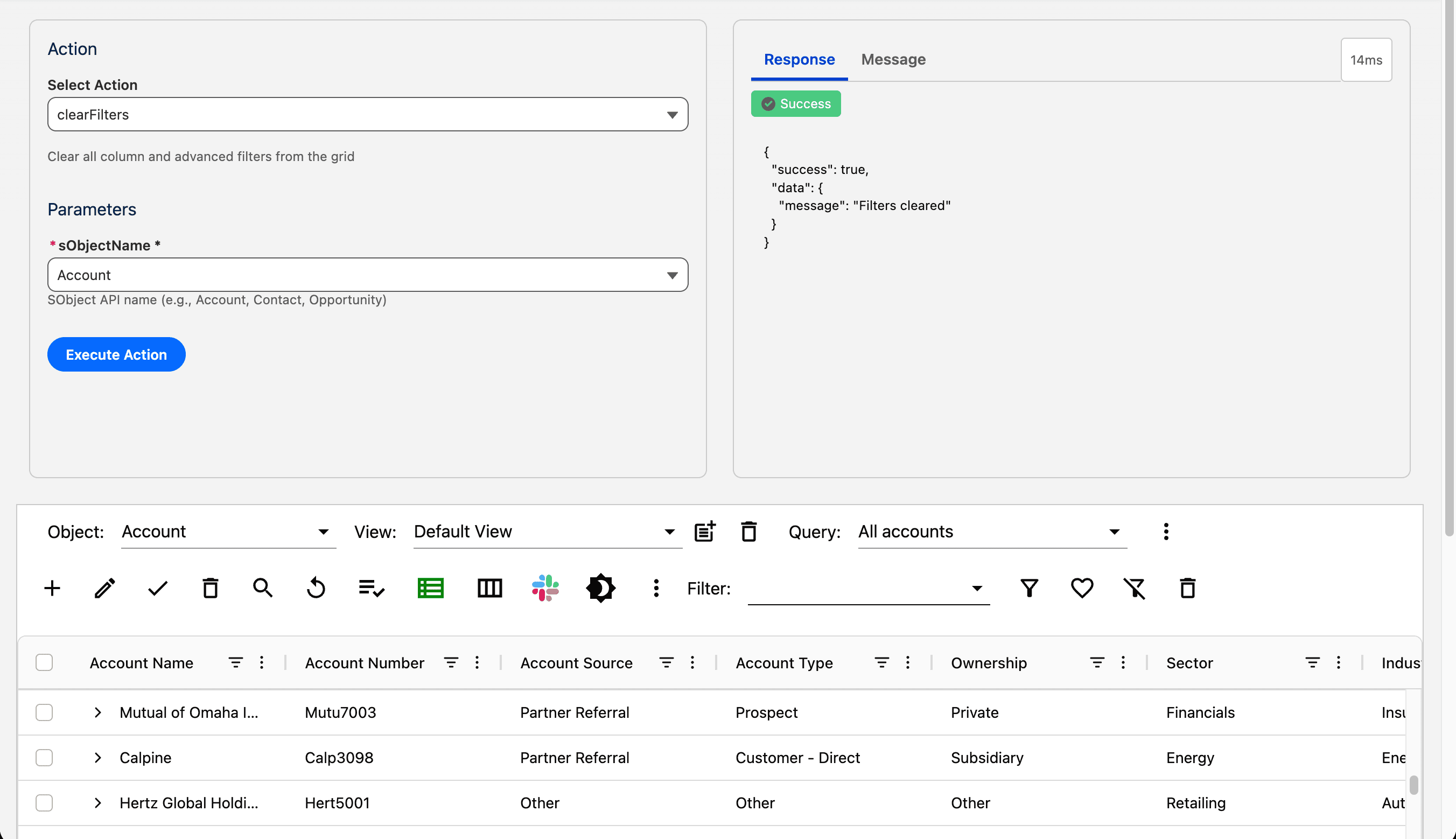
api - clearFilters
This api method clears all column and advanced filters applied to the grid. Select a SObject and click Execute Action. If the AppGrid selected object does not match the object name provided by the api, the api handler will switch the AppGrid selected object before clearing the grid filters.
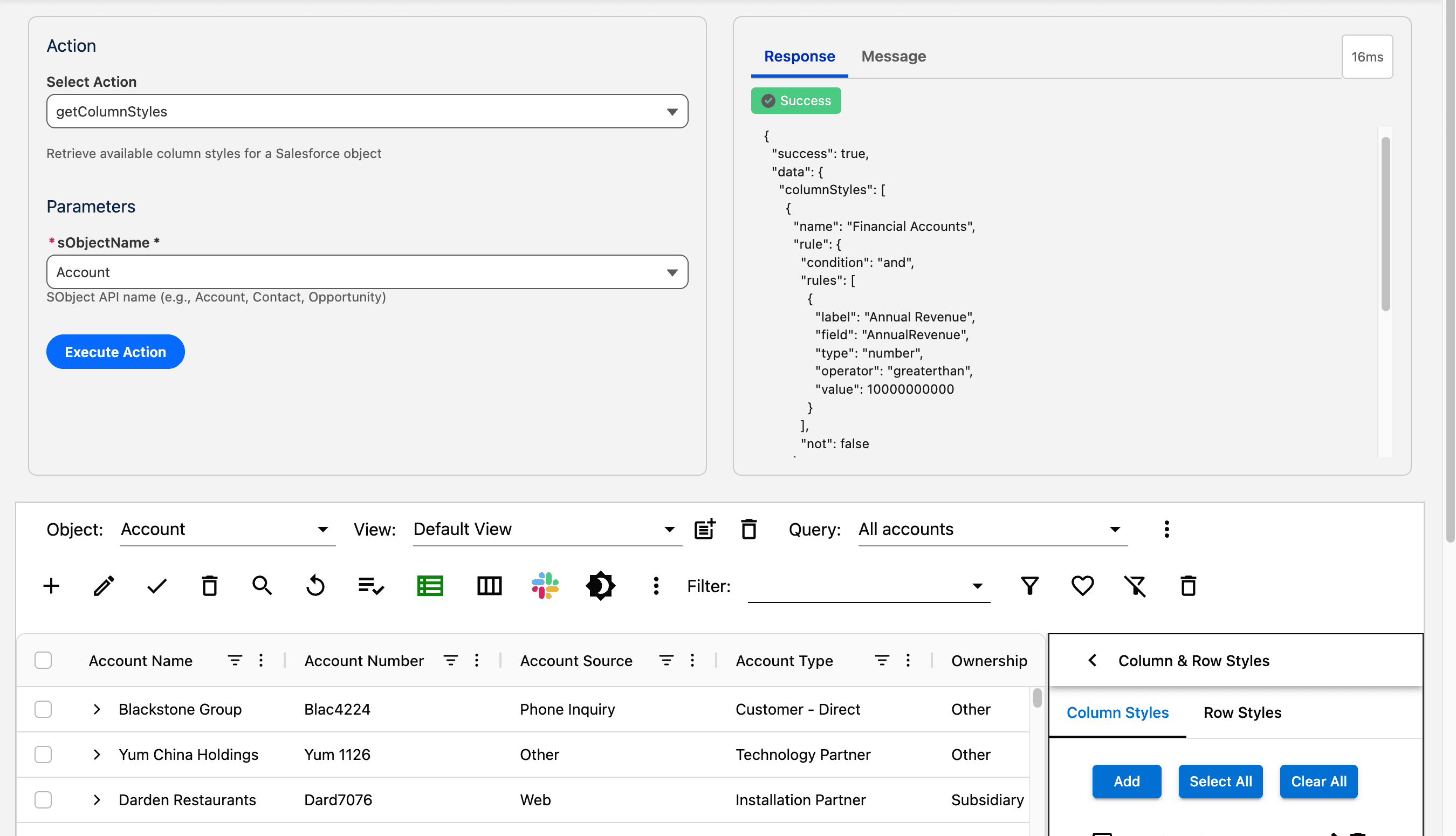
api - getColumnStyles
This api method returns the column styles for a given SObject. The filters dropdown will display all advanced filters that are defined for the selected object. Select an sObject and click Execute Action. The column styles will be returned in the JSON array.
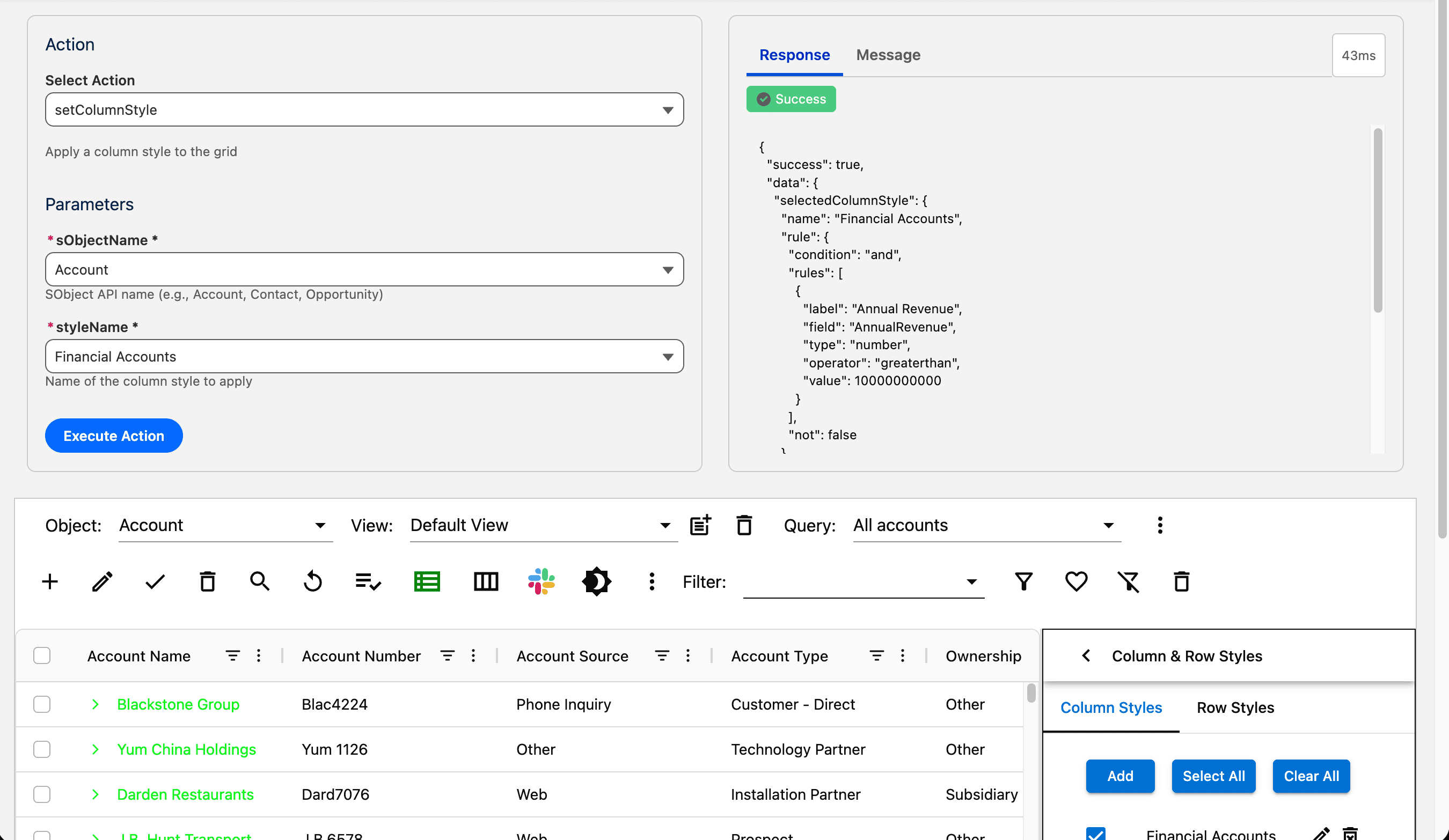
api - setColumnStyle
This api method applies a column style to the grid. Select a SObject. The styles dropdown will display all column styles that are defined for the selected object. Pick a style and click Execute Action. The selected column style will be applied to AppGrid. If the AppGrid selected object does not match the object name provided by the api, the api handler will switch the AppGrid selected object before applying the column style.
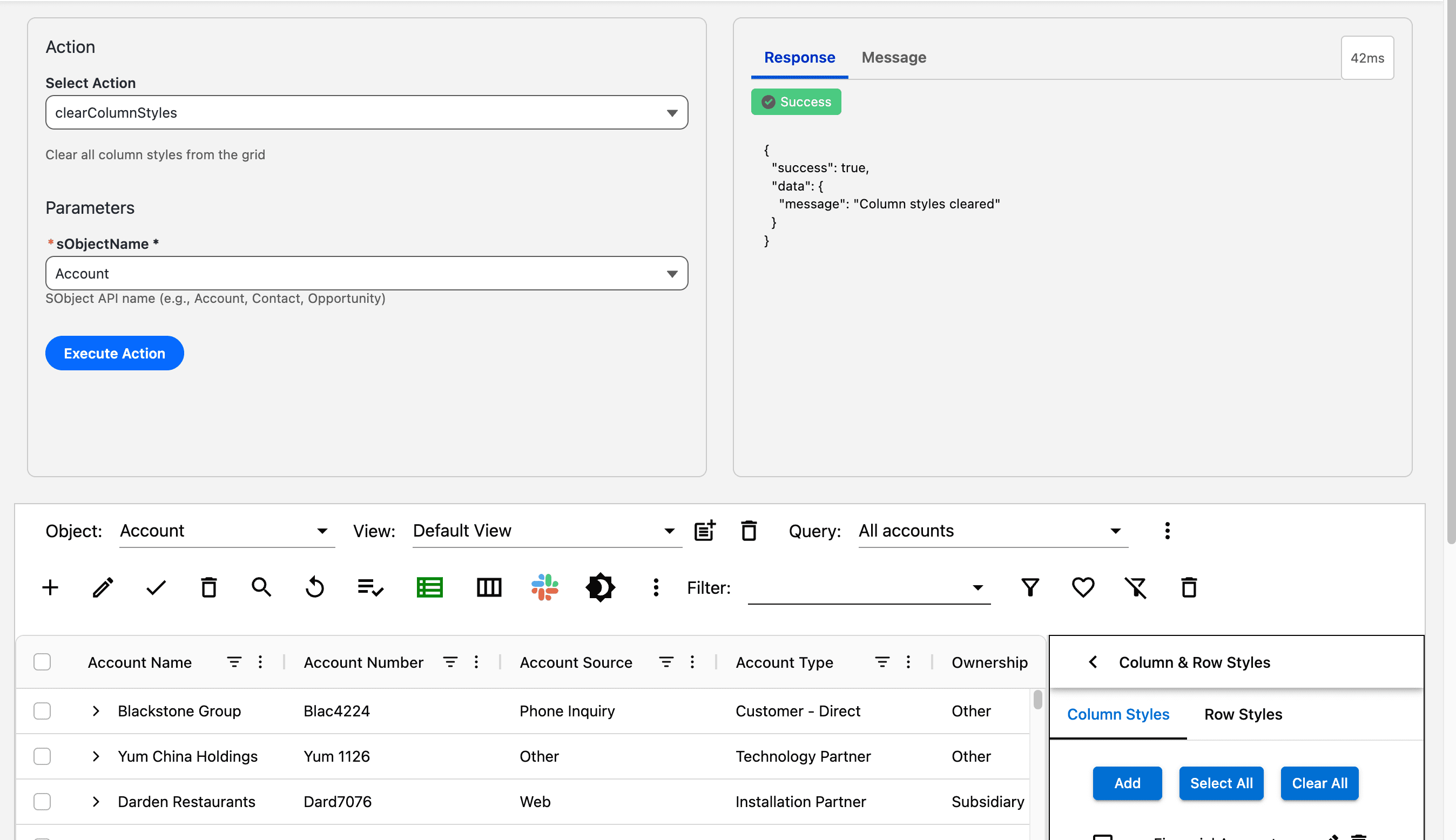
api - clearColumnStyles
This api method clears all active column styles Select a SObject and click Execute Action. If the AppGrid selected object does not match the object name provided by the api, the api handler will switch the AppGrid selected object before clearing the column styles.
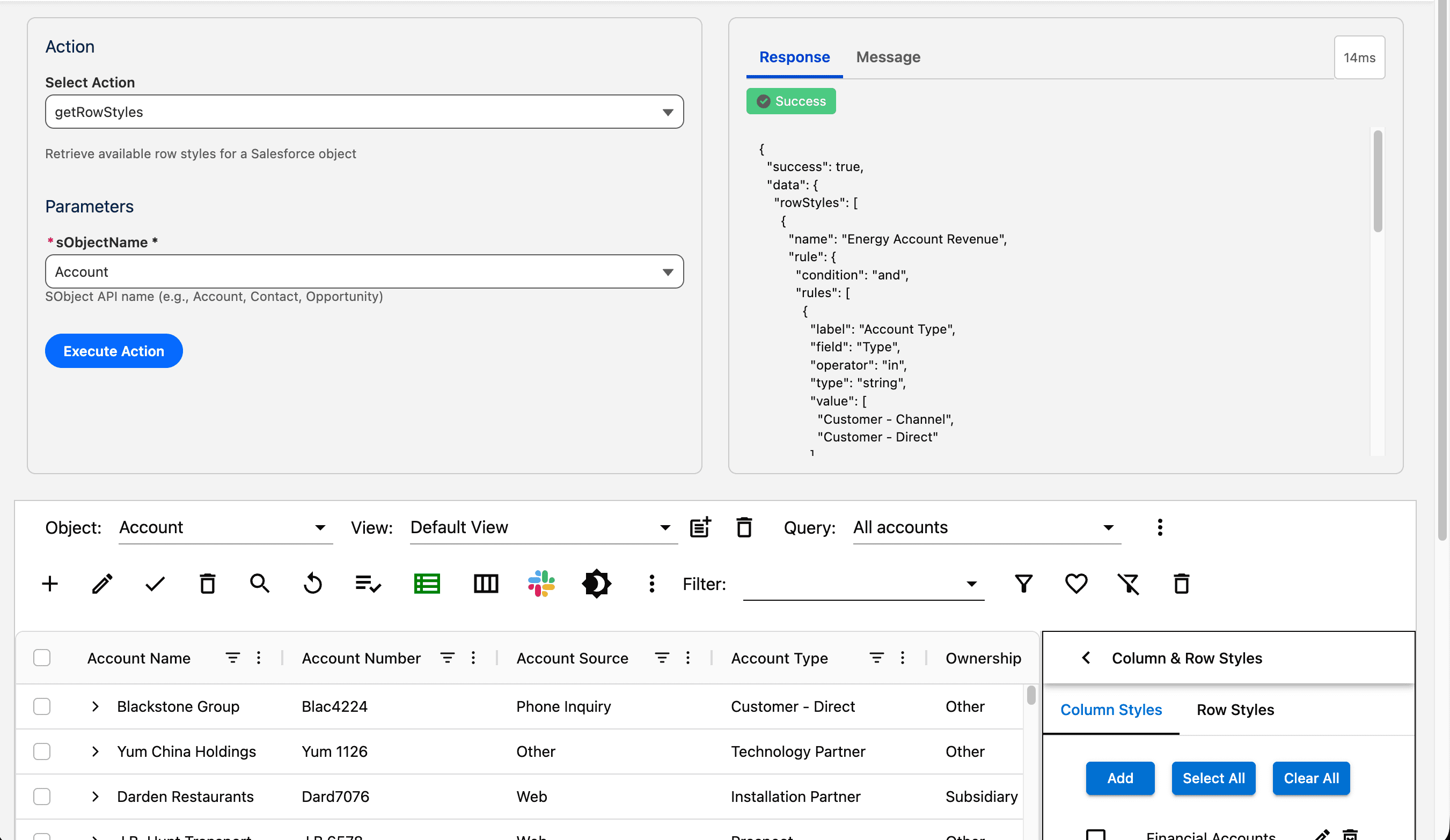
api - getRowStyles
This api method returns the row styles for a given SObject. The styles dropdown will display all row styles that are defined for the selected object. Select an sObject and click Execute Action. The row styles will be returned in the JSON array.
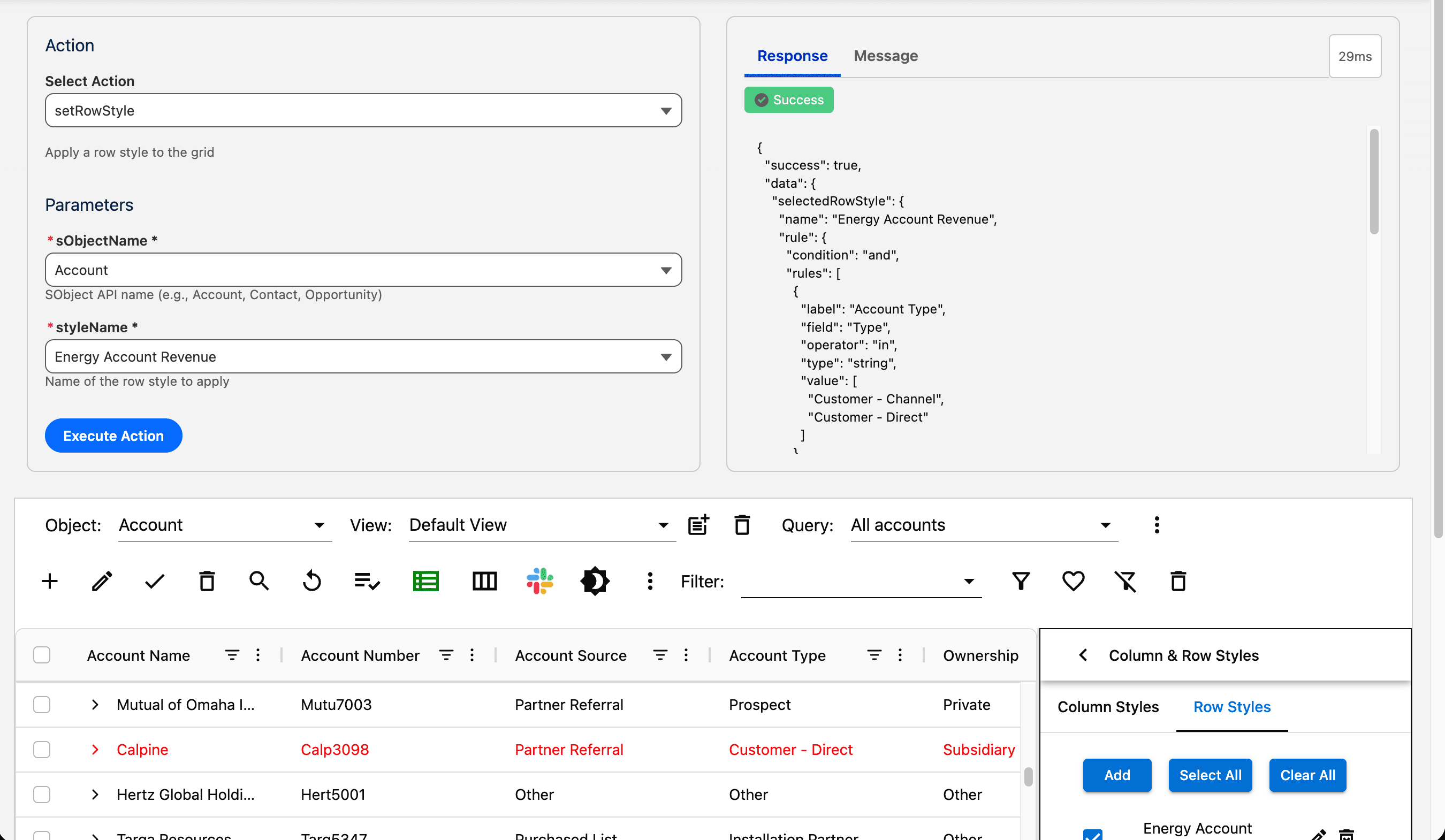
api - setRowStyle
This api method applies a row style to the grid. Select a SObject. The styles dropdown will display all row styles that are defined for the selected object. Pick a style and click Execute Action. The selected row style will be applied to AppGrid. If the AppGrid selected object does not match the object name provided by the api, the api handler will switch the AppGrid selected object before applying the row style.
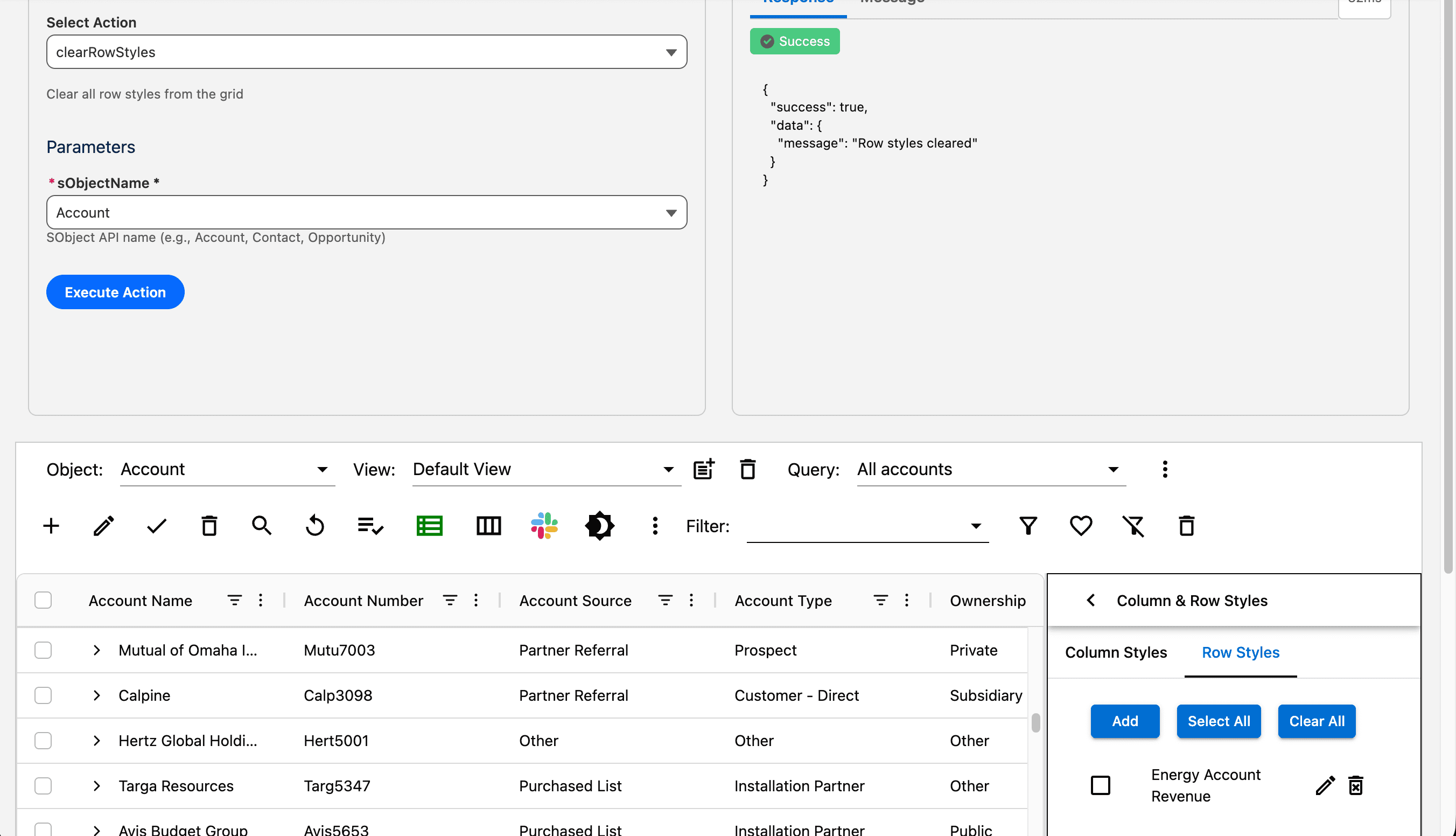
api - clearRowStyles
This api method clears all active row styles Select a SObject and click Execute Action. If the AppGrid selected object does not match the object name provided by the api, the api handler will switch the AppGrid selected object before clearing the row styles.